

Buggy topic guide
Private baby tracking: accounts, local storage, and the honest trade-offs
Quick answer
A baby log can reveal feeding times, sleep patterns, growth measurements, and the shape of a family’s day. Privacy starts with a plain answer to one question: where does that record go?
Follow the baby record, not the marketing label
Terms such as private, offline-first, and no account can describe different products. Before committing to a tracker, check where baby profiles, activities, notes, growth measurements, and photos are stored, and whether the company uploads that record to its own servers.
Also separate the baby record from app operations. Purchases, subscription checks, crash reports, or website analytics can involve third parties even when the care log itself stays on the phone. A trustworthy privacy explanation makes that distinction visible.
No account removes one relationship
A tracker without a login lets a family begin without attaching an email address or password to the baby record. It also removes account recovery, account deletion, and another credential to manage during an already busy period.
No account does not automatically mean no network activity. Read the privacy policy and App Store privacy information for the app’s current practices, including any purchase or entitlement provider it uses.
Local storage comes with a real trade-off
A device-local record avoids continuous vendor-cloud sync, but it normally does not appear automatically on another caregiver’s phone. Replacing or losing the device can also affect access unless an operating-system backup or a manual export is available.
That trade-off is neither universally good nor bad. Families who need live multi-device collaboration may prefer an account-based service. Families who prioritize data minimization may prefer a local record and deliberate exports.
How Buggy handles the record
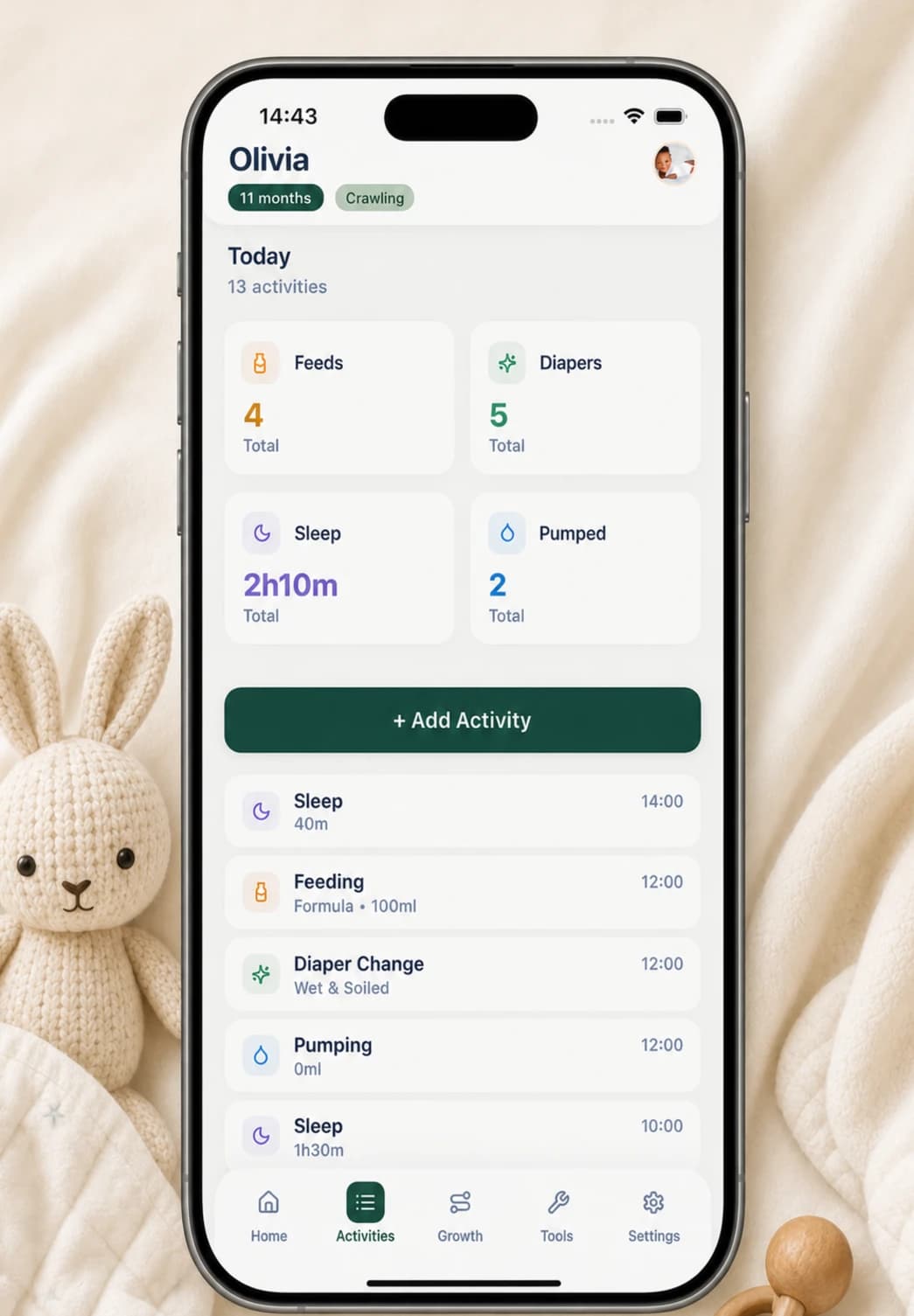
Buggy does not require a Buggy account. Baby profiles, activity records, growth measurements, notes, custom activities, and selected photos are stored locally on the device and are not uploaded to a Buggy cloud database.
Buggy does not provide live cross-device sync. Purchases, restores, and some access checks may require an internet connection. CSV and PDF exports give you ways to take a copy or share selected information outside the app when you choose.
Topic trail
Continue through the guides
Privacy
Does a baby tracker need an account? The honest trade-offs
A baby tracker can work without an account. Compare local records, cloud sync, backups, exports, and the parts that may still need internet.
Read guideQuestions, answered plainly
Does a private baby tracker have to work without an account?
Not necessarily, but an account changes where information may be processed and how devices sync. Check the tracker’s actual storage and privacy explanation rather than relying on the word private alone.
Can a local baby tracker sync between phones?
A purely device-local record does not provide automatic live sync by itself. Some apps add optional cloud or operating-system sync, so verify the exact model before choosing one.
Does Buggy upload baby records to its servers?
No. Buggy stores the baby record locally and does not upload it to a Buggy cloud database. Purchases, restores, and access checks are separate and may contact Apple or RevenueCat.
Sources and further reading
- App privacy details on the App StoreApple Developer